muvm and FEX-Emu on asahi
You might have heard about the incredible work of the asahi project. Bringing an operating system to a completely undocumented system is no easy task but they still managed it. In fact, they managed it so well, that after multiple months of thinking about it, I bought myself a used M1 MacBook Air just to run linux on it. And my journey so far has been incredible. The display is as good as it gets and the performance combined with the battery life is nothing compared to any experience i've had on any other x86 machine.
Asahi also has taught me some pretty interesting stuff that im eager to talk about. One of those topics is gaming on asahi via multiple layers of compatibility. So lets dive in to this topic.
Setup
I'm currently running asahi alarm on my MacBook due to the fact that I am most familiar with this linux distribution. It might not be the best starting-point for beginners, however all the things that we will talk about here apply to all asahi distributions. If there are any alarm specific things, I will point them out. I might forget something and if I do so, you are free to post a comment (if this will get into a video) or to send me an email at ivanpollak@exozern.org.
Prequisites
First of all, you need to have asahi installed. Obviously. If you're new to this whole linux-on-mac thing, I suggest you to use the official distrubution, which you can get over at asahilinux.org.
The next step will be to install a game. In my case, I will use hunting. A indie horror game that can be found over on itch.io. Since this game provides a linux-native download, I will choose this option.
Next we need to install the FEX-Emu package. On my alarm, I can install this package using the following command:
sudo pacman -S FEX-EmuThe FEX-Emu allows us to run x86 and x86-64 programs on Arm64 (also known as AArch64) machines, such as the Apple Silicon Mac's.
Since the Apple Silicon Mac's use 16k page size's instead of the more commonly used 4k page size's, we also need a translation layer for this. For this, the asahi project has created muvm. This is a micro virtual machine that allows the user to run arbitrary programs on the given system. It's main use-case is to translate between the page differences.
On my alarm, I install this package using:
sudo pacman -S muvmBecause our game is a linux-native game, we don't need to use wine.
Running a game
First, lets see what happens when we try to run the game normally. We can do this by executing the game from the terminal:
$ ./Hunting.x86_64
<jemalloc>: Unsupported system page size
<jemalloc>: Unsupported system page size
<jemalloc>: Unsupported system page size
<jemalloc>: Unsupported system page size
terminate called without an active exception
Aborted                    (core dumped) ./Hunting.x86_64
As we can see, Hunting does not run. We could try to run it using
muvm to fix the Unsupported system page size error, however this will
output another error:
$ muvm ./Hunting.x86_64
No IPv6 nameserver available for NDP/DHCPv6
Failed to execute "./Hunting.x86_64" as child process: No such file or directory (os error 2)
Here muvm tells us that the binary could not be executed. This is a bit
of a weird error because it tells that no such file or directory could be
found. I assume that it searches for an arm64 elf file with the name
Hunting.x86_64 but since it is a x86-64 file, it could not find the
correct one.
Next lets try only with FEX. First, we need to generate an x86 rootfs. This [should get generated][14] but in some cases (my case), it didn't. To generate one, just run the following command.
$ FEXRootFSFetcher
RootFS not found. Do you want to try and download one?
Response {y,yes,1} or {n,no,0}
1
RootFS list selection
Options:
	0: Cancel
	1: Fedora 43 (SquashFS)
	2: Fedora 40 (SquashFS)
	3: Fedora 38 (SquashFS)
	4: ArchLinux (SquashFS)
	5: Ubuntu 24.04 (SquashFS)
	6: Ubuntu 23.10 (SquashFS)
	7: Ubuntu 23.04 (SquashFS)
	8: Ubuntu 22.10 (SquashFS)
	9: Ubuntu 22.04 (SquashFS)
	10: Ubuntu 20.04 (SquashFS)

Response {1-10} or 0 to cancel
4
Selected Rootfs: ArchLinux (SquashFS)
	URL: https://rootfs.fex-emu.gg/ArchLinux/2026-01-08/ArchLinux.sqsh
Are you sure that you want to download this image
Response {y,yes,1} or {n,no,0}
y

...

Do you wish to extract the squashfs file or use it as-is?
Options:
	0: Cancel
	1: Extract
	2: As-Is

Response {1-2} or 0 to cancel
1

...

Do you wish to set this RootFS as default?
Response {y,yes,1} or {n,no,0}
y
ArchLinux set as default RootFS
Now we are ready to go test Hunting again:
$ FEX Hunting.x86_64
<jemalloc>: Unsupported system page size
<jemalloc>: Unsupported system page size
<jemalloc>: Unsupported system page size
<jemalloc>: Unsupported system page size
terminate called without an active exception
Aborted                    (core dumped) FEX Hunting.x86_64
Now we get the page-size error again, however if we now combine muvm with FEX, our game actually boots:
muvm FEX-Bash
./Hunting.x86_64
And look at that. Hunting runs:
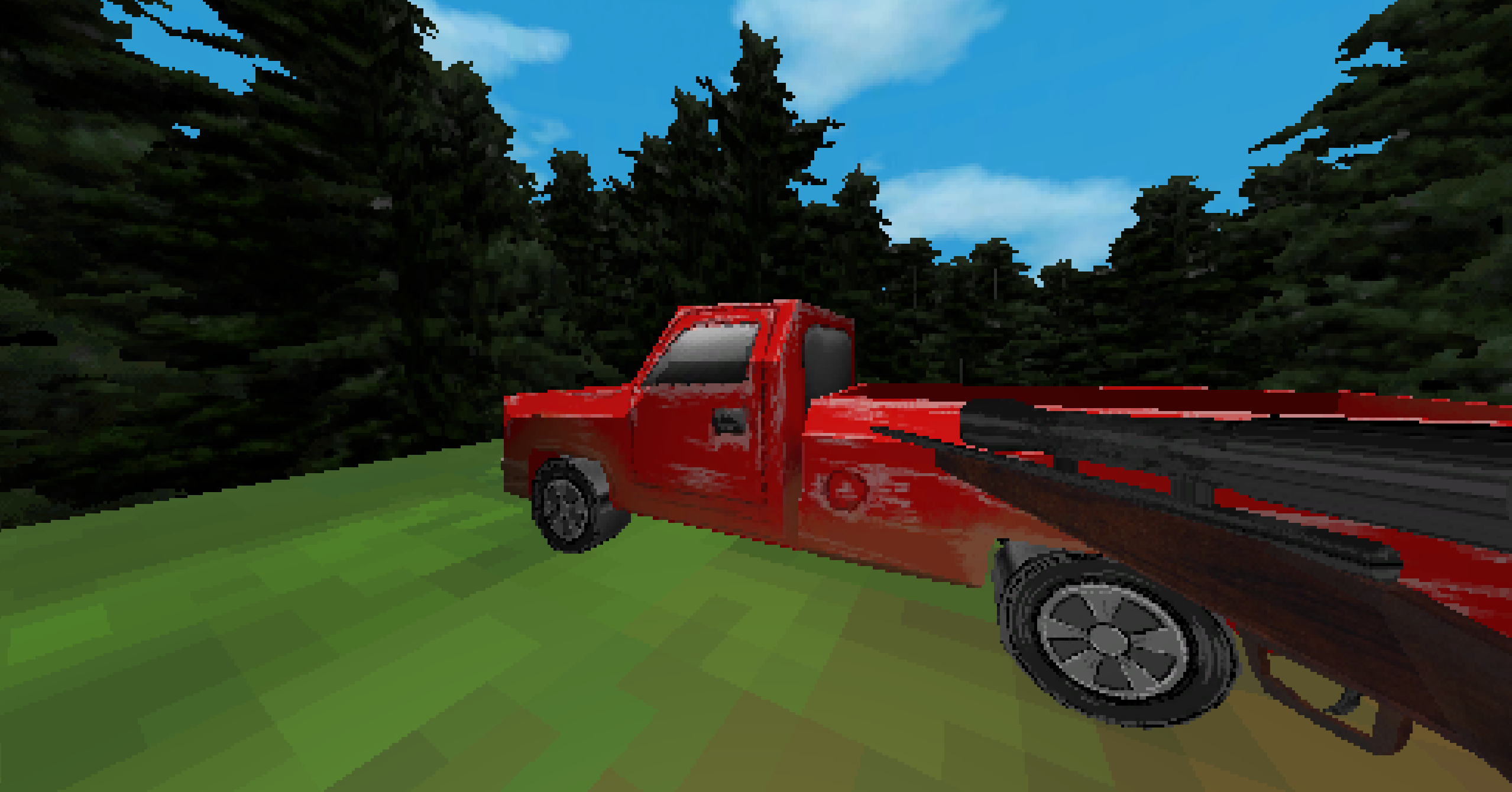
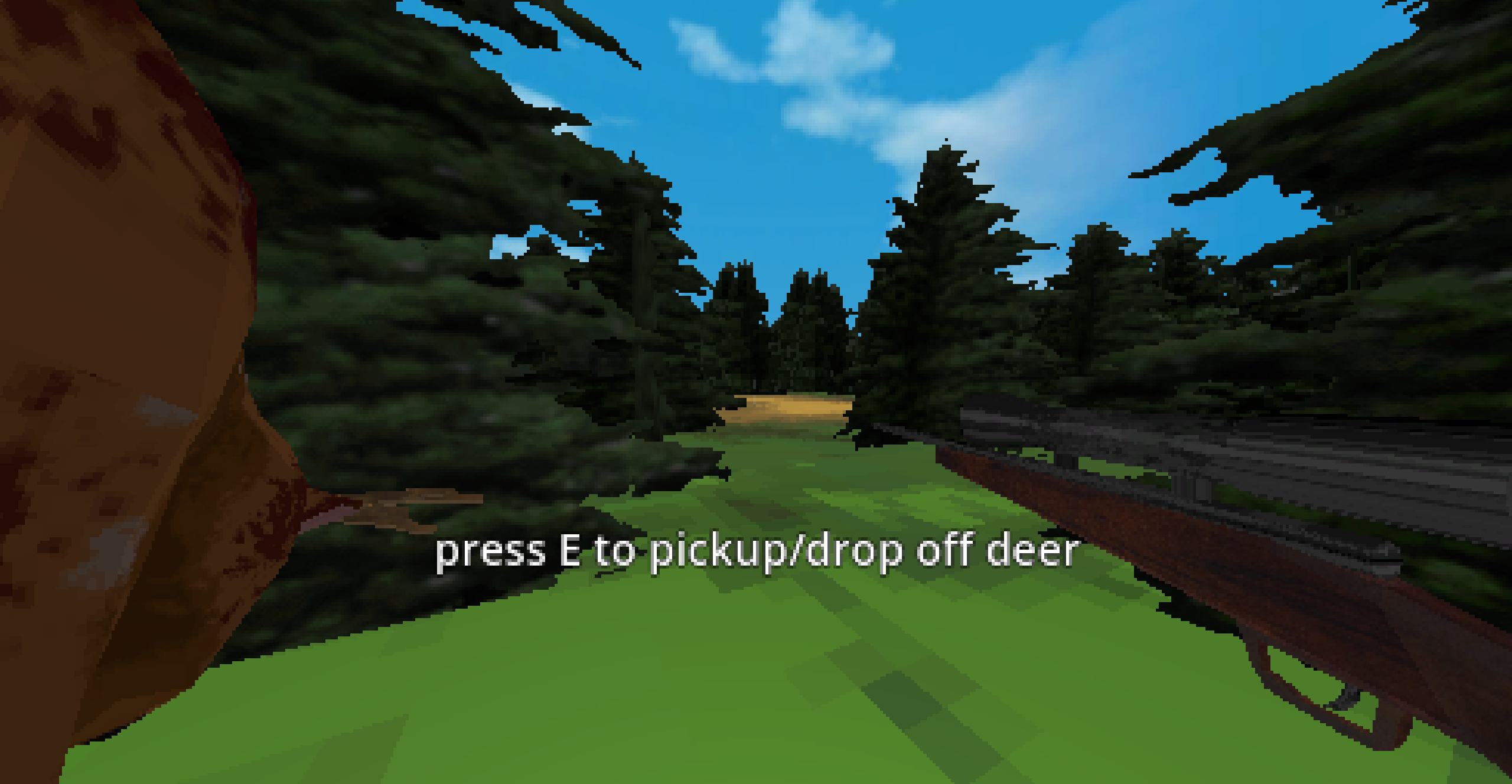
Small note: I managed to brick my FEX installation during the writing of this. I've completely reset FEX using:
sudo rm -rf $HOME/.config/fex-emu/
sudo rm -rf $HOME/.local/share/fex-emu/
sudo pacman -Rcns FEX-Emu
reboot
sudo pacman -S FEX-Emu
Beyond linux binaries
FEX comes with wine installed. You could also try to run a windows binary on your arm machine. I had no luck with running those binaries and it might because I'm not using an official supported system like the asahi fedora remix. Im still glad, that I can run most of my x86 and x86-64 apps on my Apple MacBook.
Also thanks to the asahi project and FEX-Emu project for making this possible. This work is incredible and it is amazing that I can buy my computer of choice and still be able to run my software of choice.